Hot searches:
Components Processing


Features
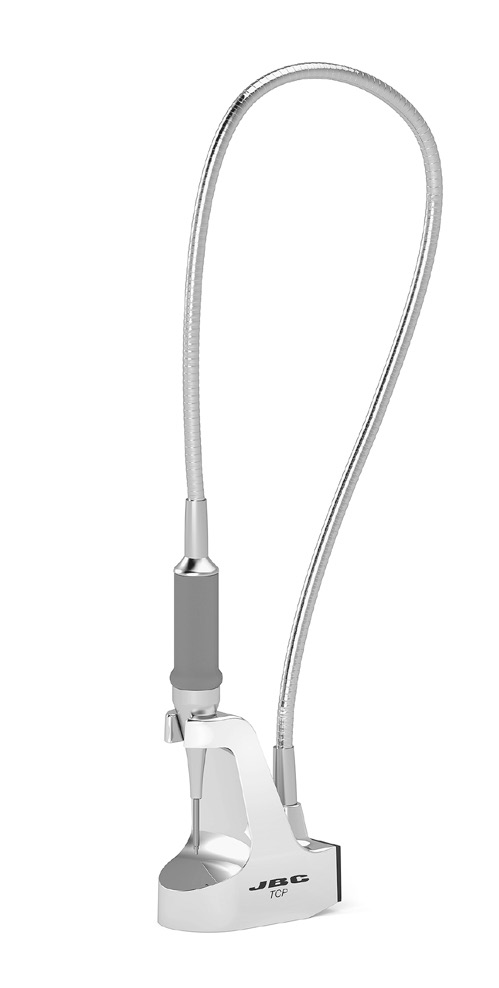
TCP Thermocouple Pointer is designed to monitor the surface temperature of the PCB or its components with high precision positioning. It works on various materials: metal, plastic, FR4, etc., and can measure temperatures of up to 300 °C / 572 °C with an accuracy of ±15 °C / 59 °F.
The sensor is completely isolated (electrically) from the outer parts of the product.
TCP is ESD safe with no extra connections, as long as it sits on any kind of ESD safe surface, e.g. JBC ESD safe table mats, a ground-wired metal surface, JBC preheater range, etc.
It is also possible to ground the product from any of its surfaces.
Specification
- Measurable Temperature Range: 25-300 °C / 77-572 °F
- Total Net Weight: 783 g / 1.73 lb
- Package Dimensions:280 x 280 x 164 mm / (L x W x H) 11.02 x 11.02 x 6.46 in
- Package Weight: 1293 g / 2.85 lb
How To Use
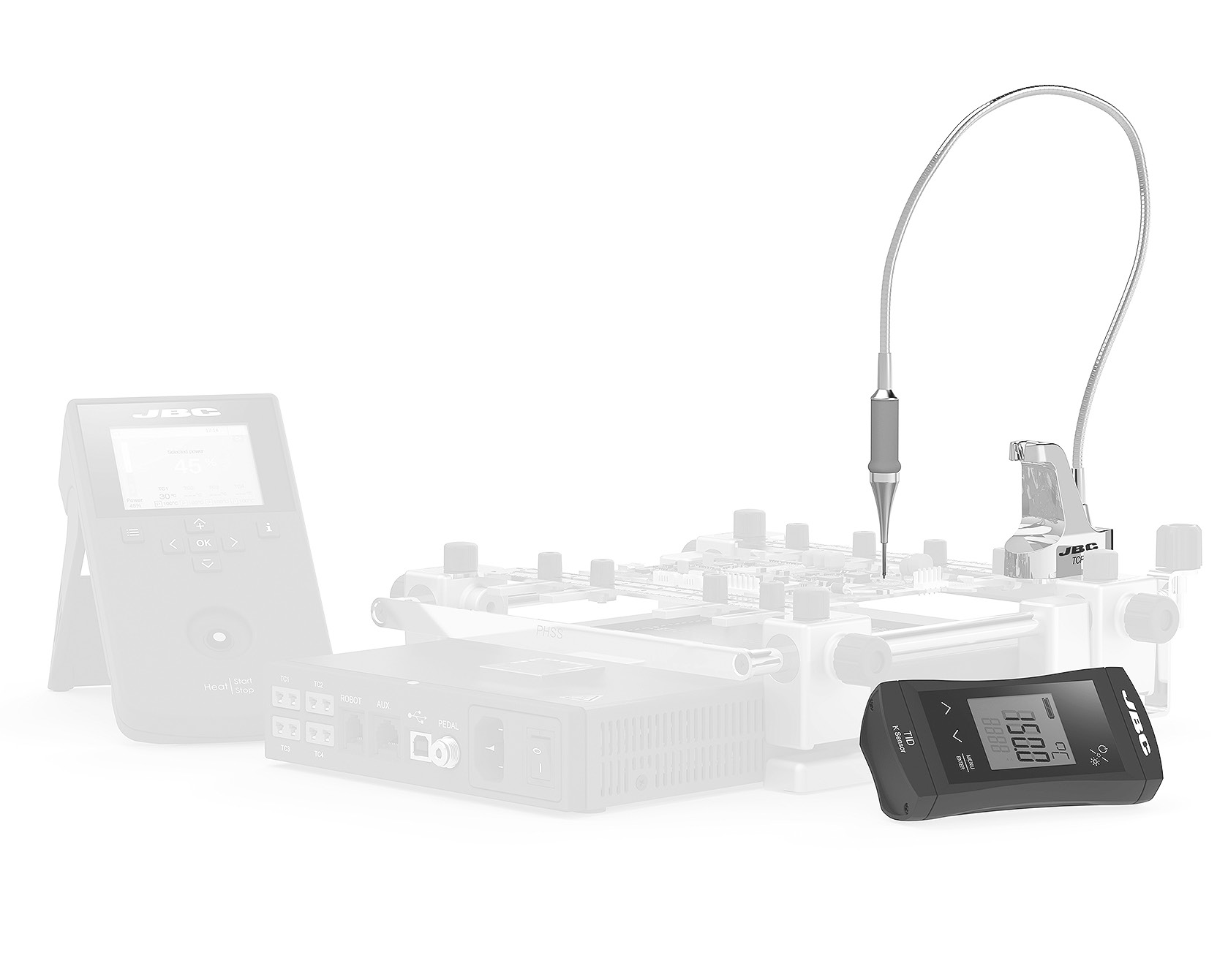
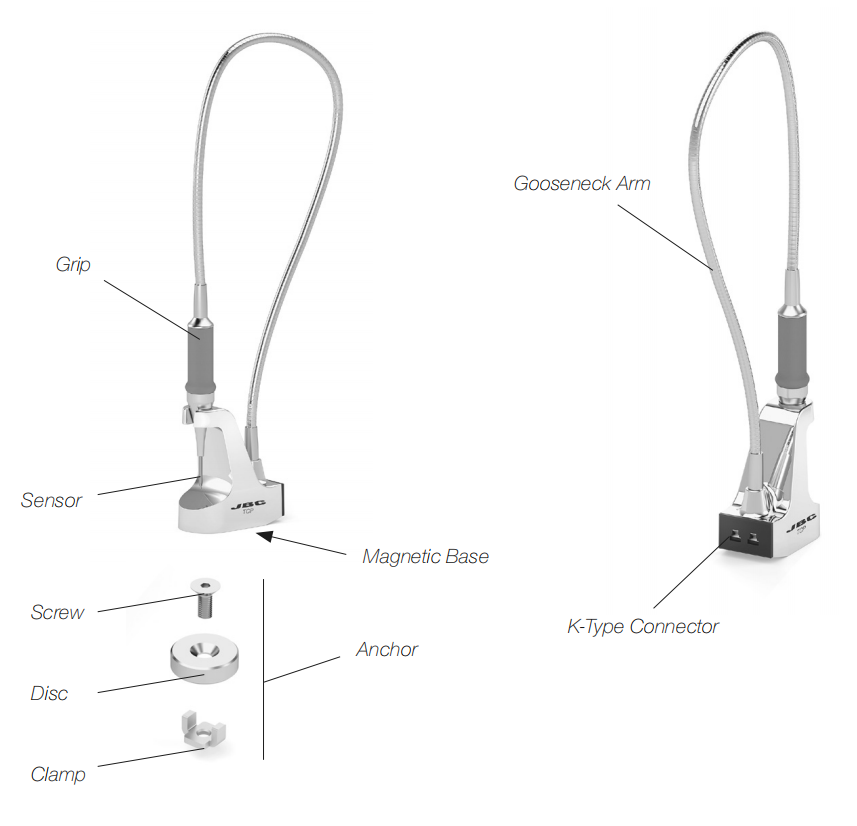
1. Connect the thermocouple pointer to the display using the supplied K-type thermocouple wire.
2. Place the thermocouple pointer close to the PCB to be measured. Thanks to its magnetic base, it can be placed and stabilized onto magnetic surfaces.
It is not recommended to place the base on a hot surface ( > 50 °C / 122 °F).
3. Lift the pointer from the base and place it, as vertically as possible, over the exact point to be measured. Press lightly against the point and release the pointer.
4. After 10 seconds, the temperature reading will appear on the display.
After its use, the base can be more easily separated from the anchor/magnetic surface by tilting it apart.


Long Press to Scan QR Code
Scan QR Code